
Automated Checkout Recovery Flows
Create targeted checkout recovery sequences with direct 1-click cart restore links that bring shoppers right back to complete payment.
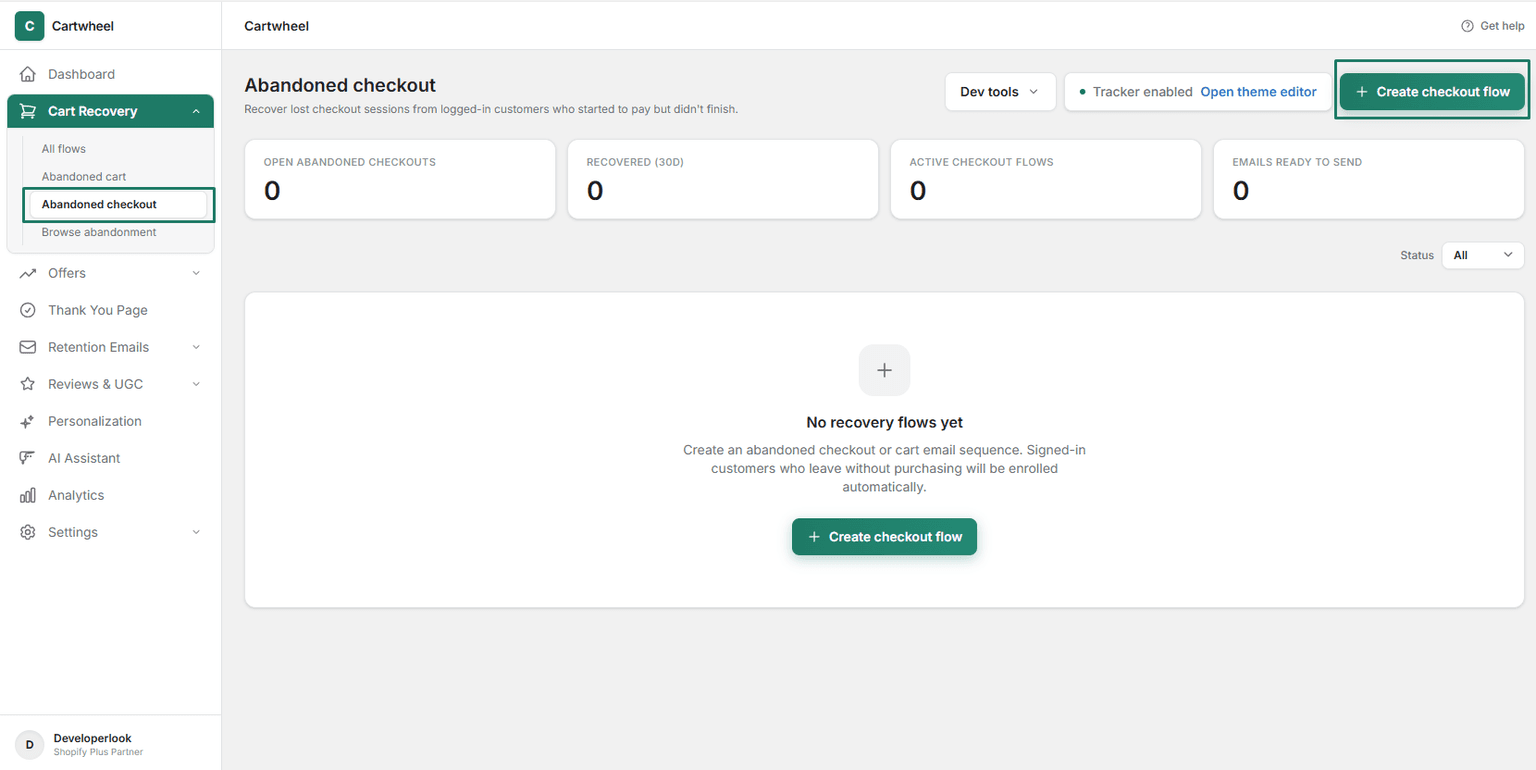
Recover up to 20% of lost revenue with automated email sequences triggered when shoppers abandon their cart, checkout, or browse sessions.
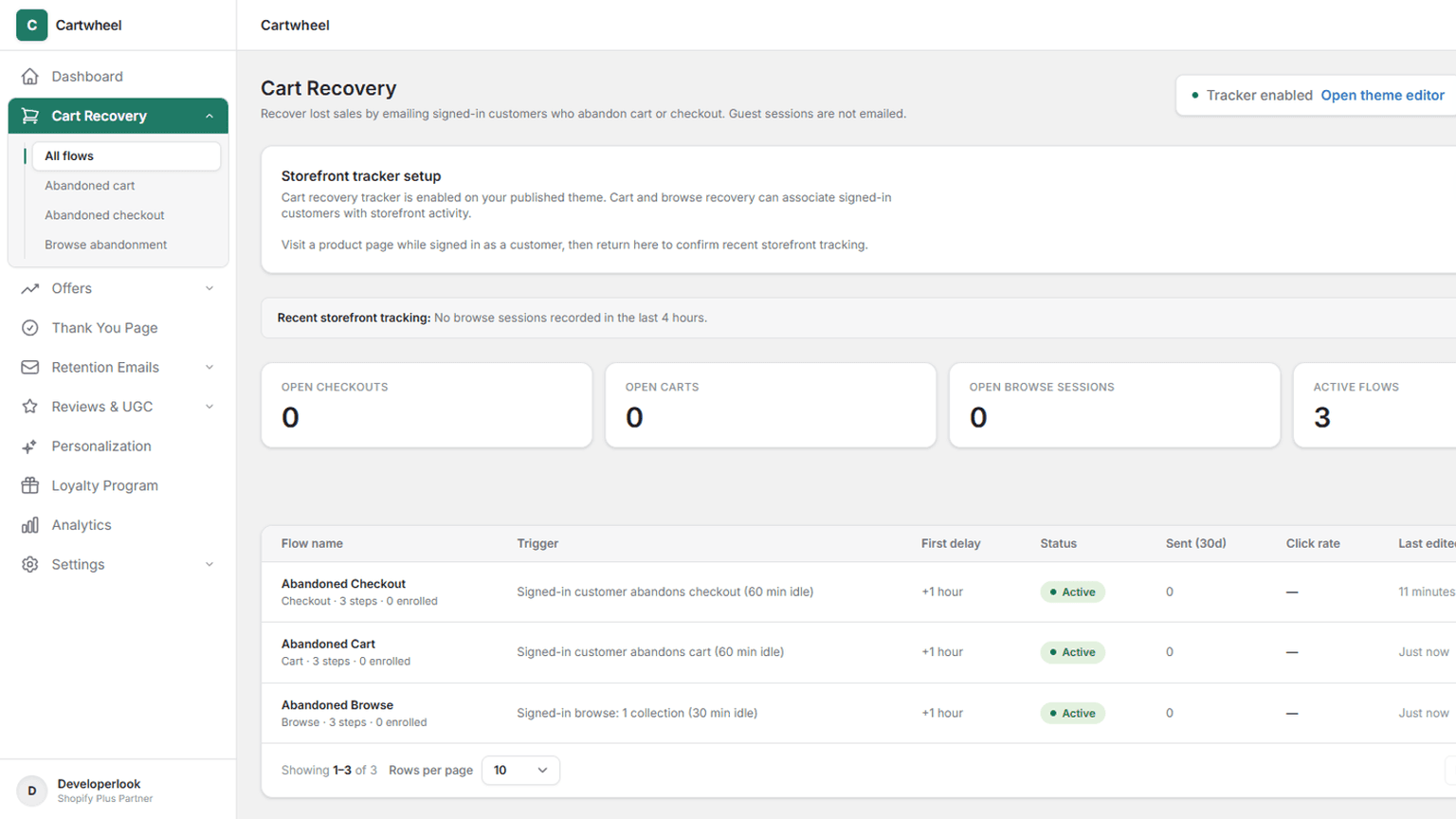
Win back high-intent shoppers automatically with precision-timed recovery drips.
Recovery Channels
Target lost shoppers across browse, cart, and checkout abandonment with tailored recovery sequences.
Automatically send timed recovery emails to signed-in customers who entered checkout but left before placing their order.
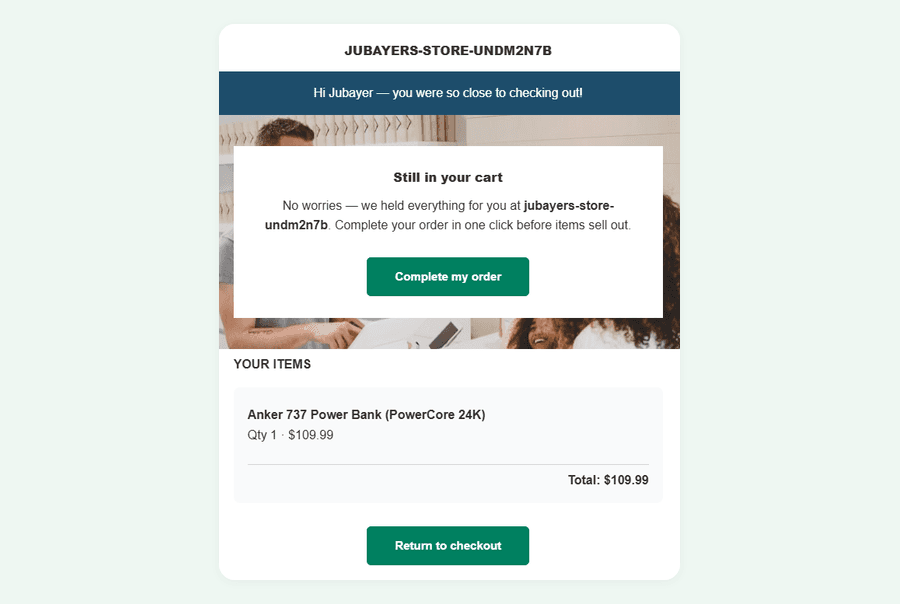
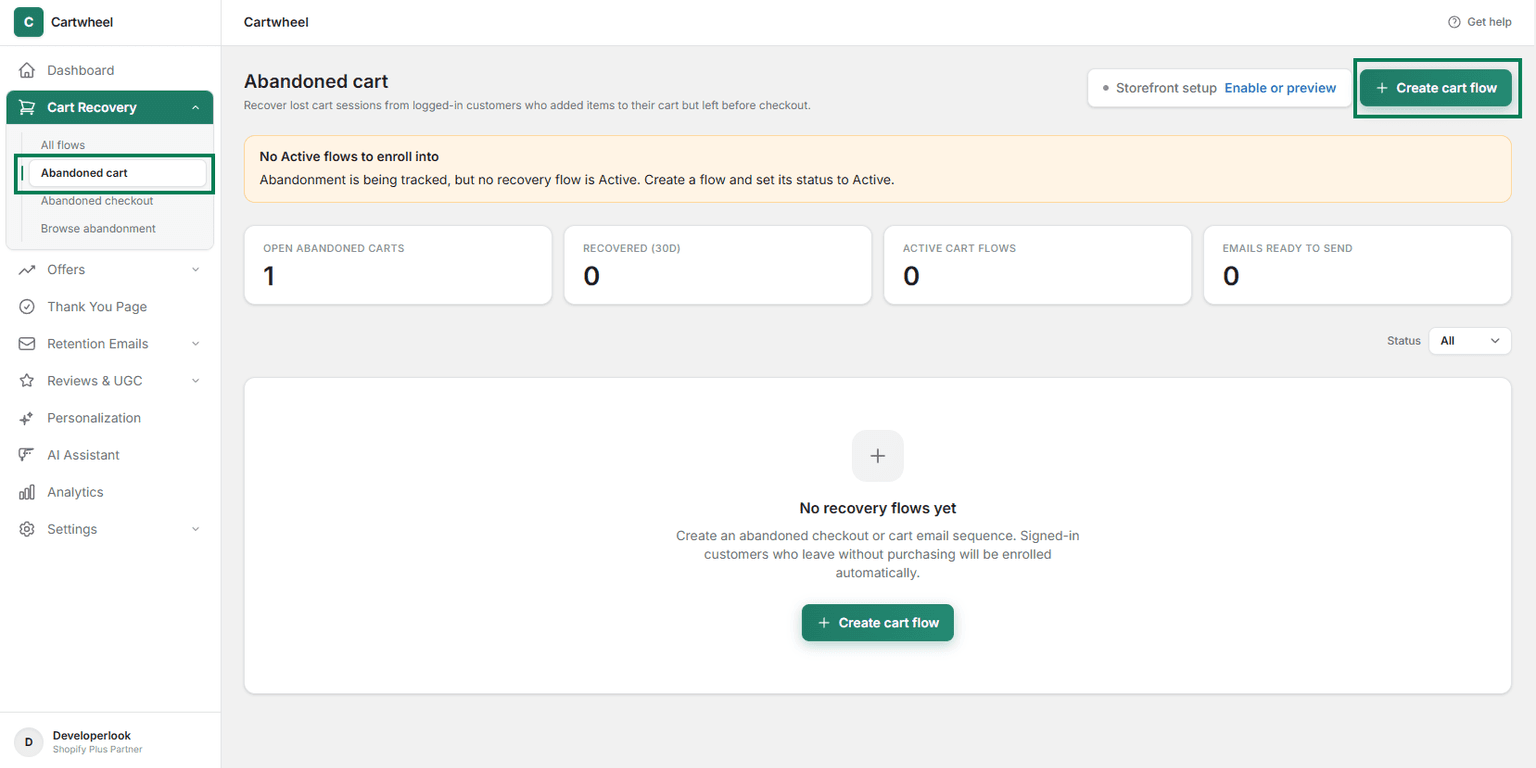
Recover shoppers who added items to their shopping cart but navigated away prior to reaching the checkout step.
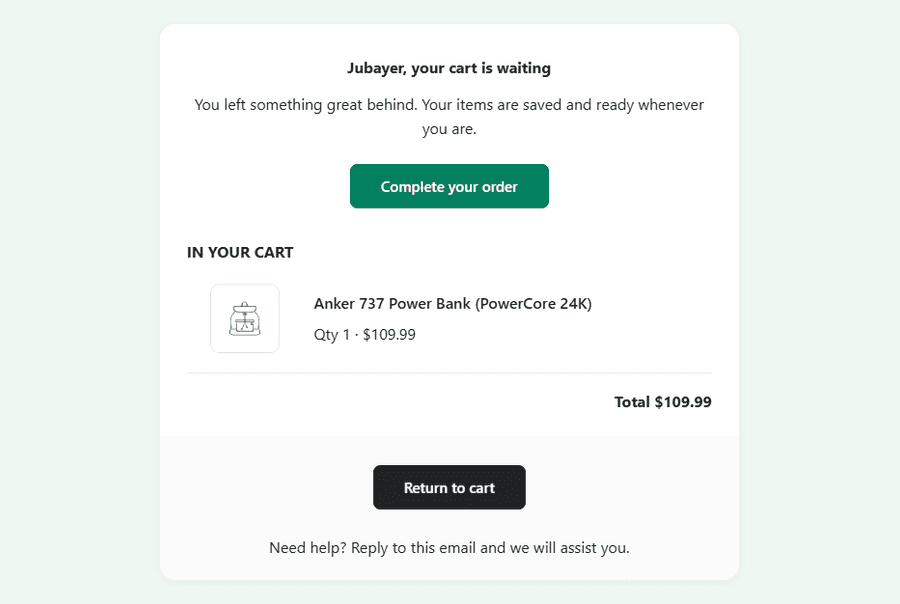
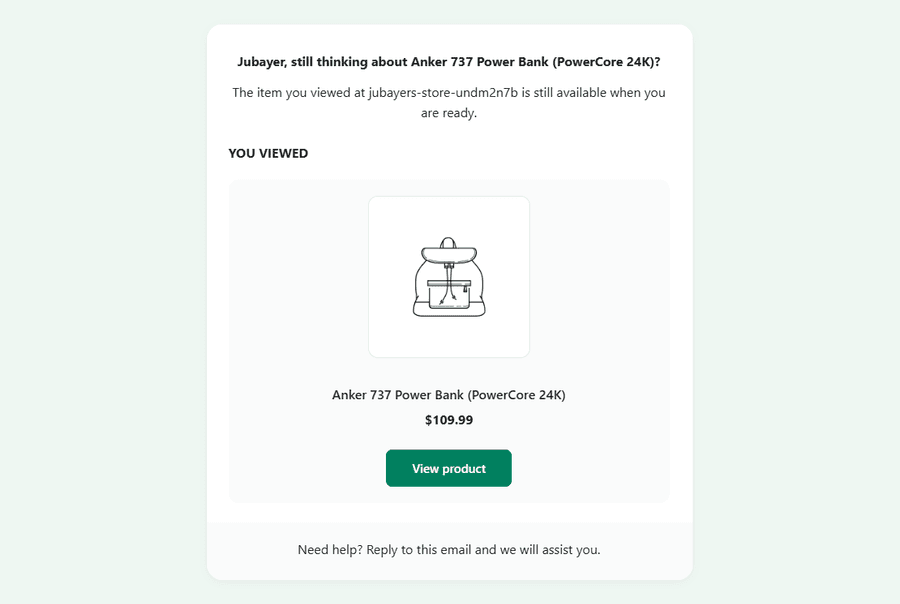
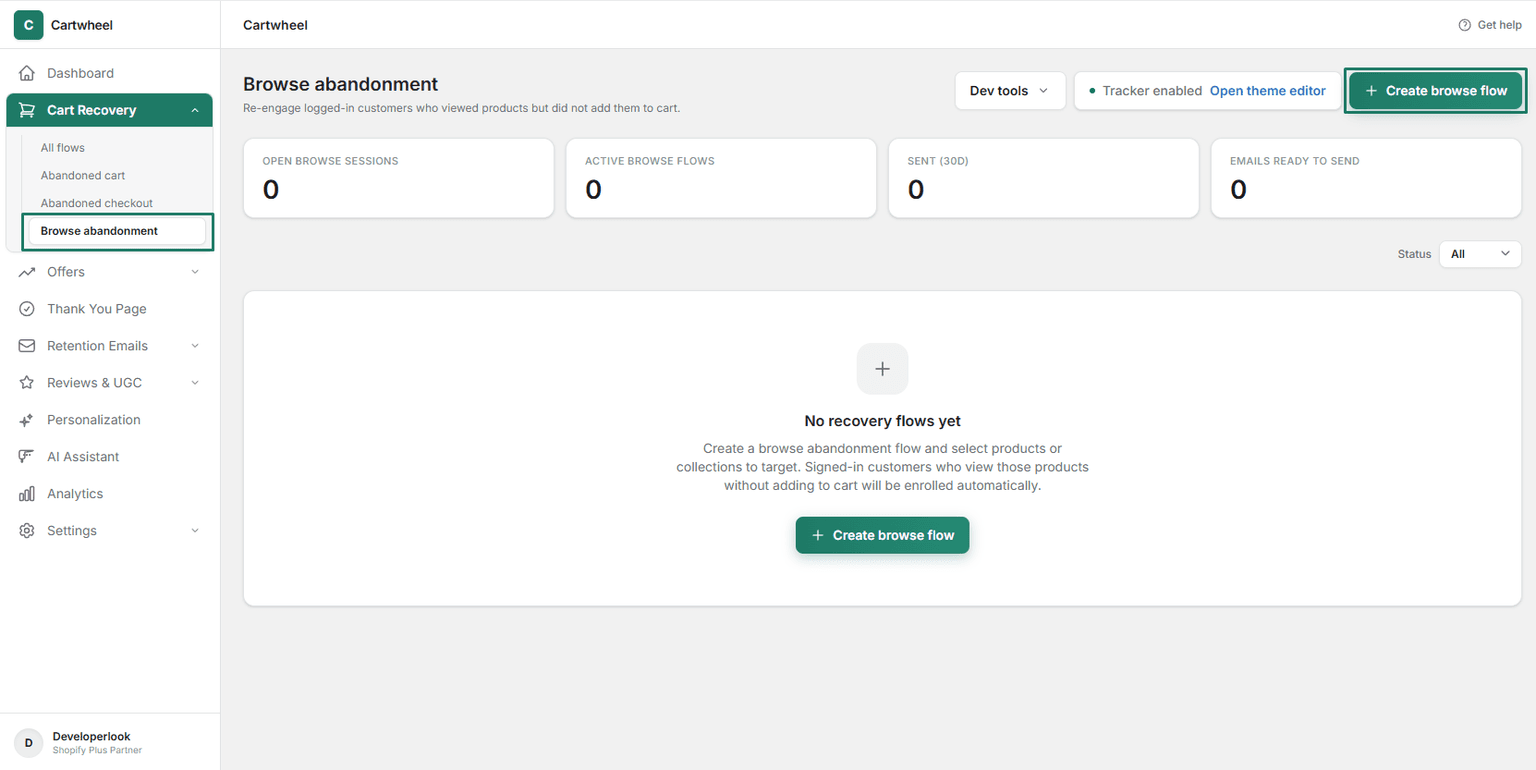
Re-engage logged-in store visitors who browsed specific products or collections without adding items to their cart.
Smart Automation
Fine-tune send schedules, audience segments, and dynamic incentives to maximize recovered order value.
Filter recovery flows by cart threshold, VIP buyer status, order count, or Shopify customer segment tags.
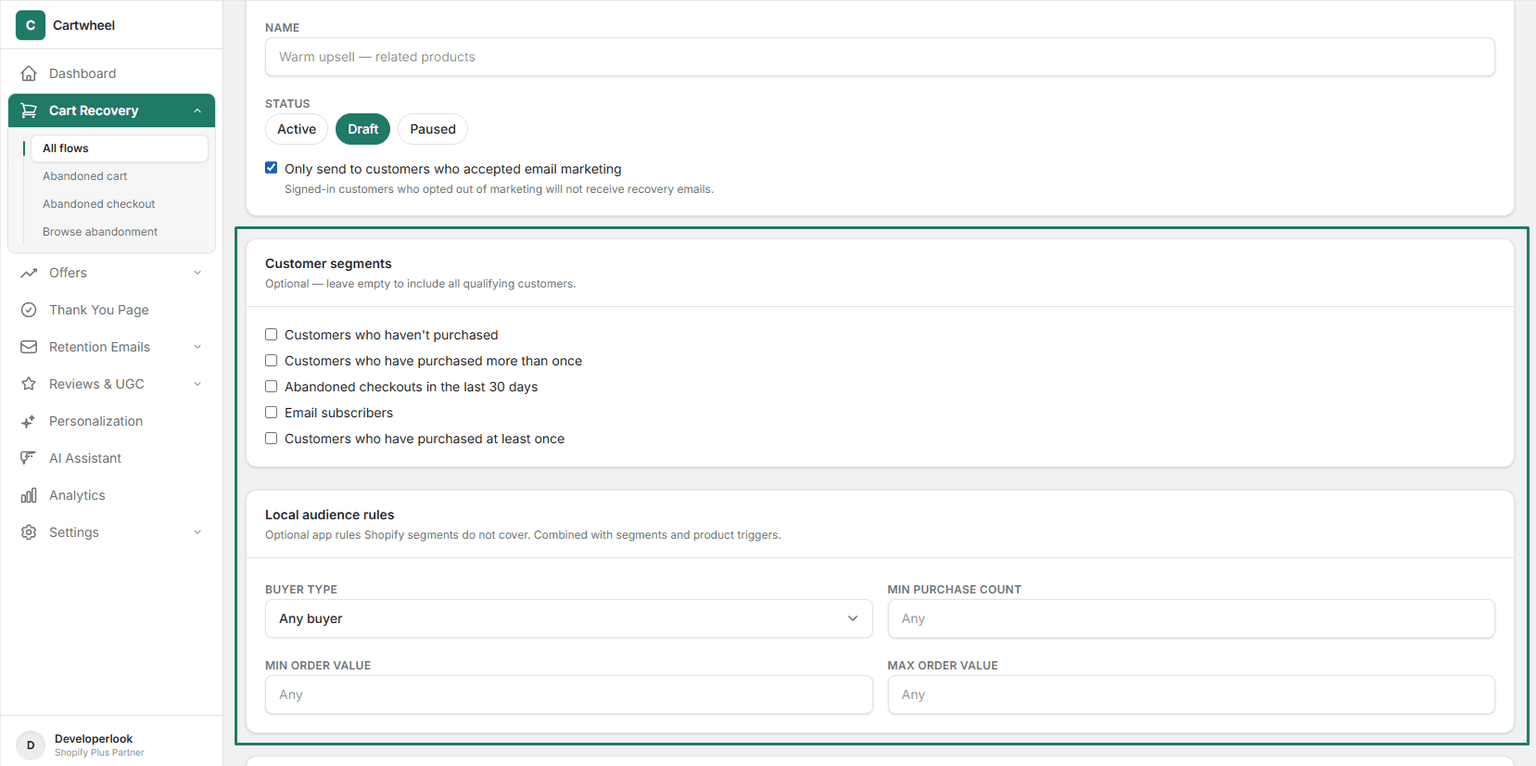
Configure multi-email schedules (1 hour, 24 hours, 72 hours) with customizable delay timers and escalating discount incentives.
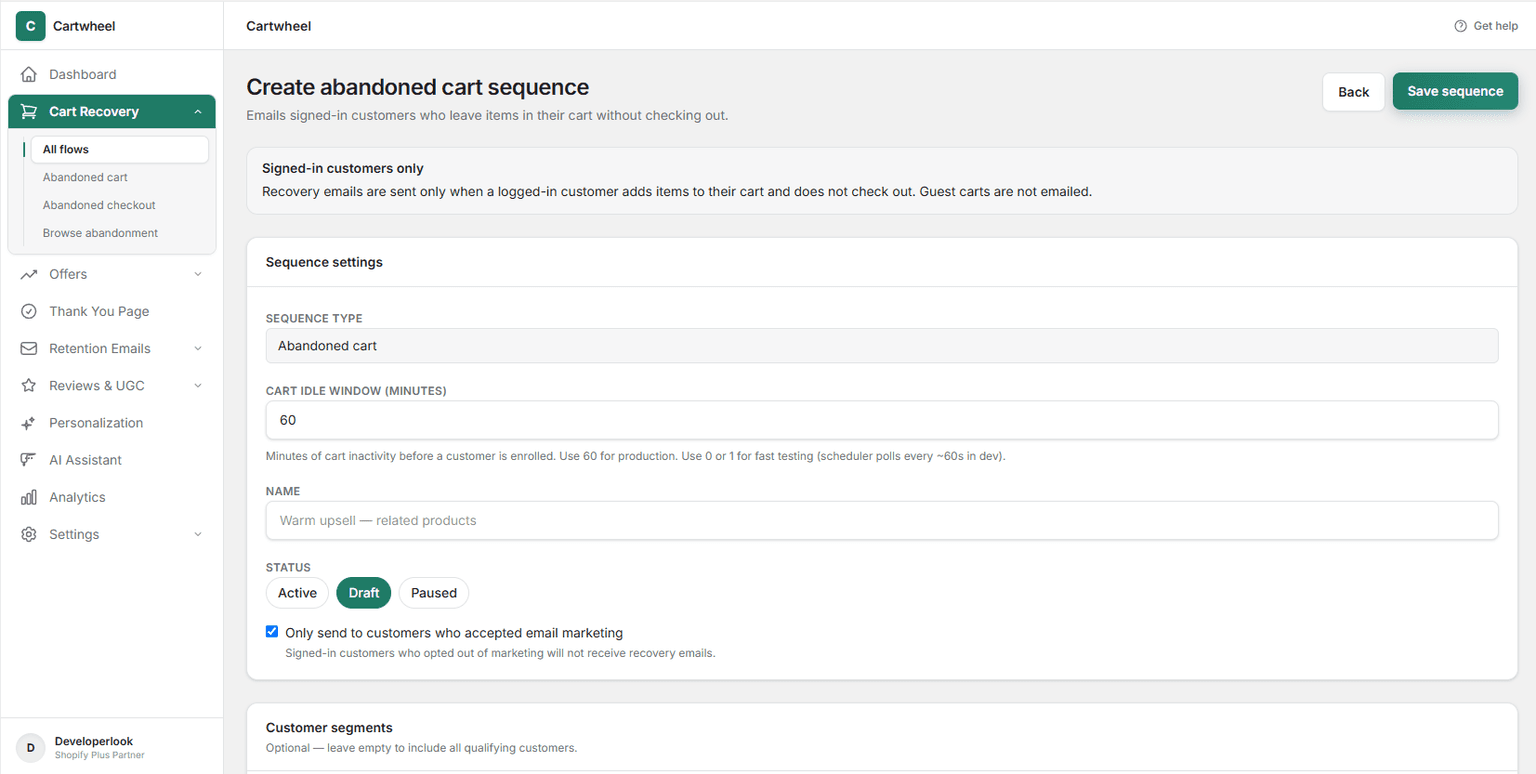
Set exact delay windows, frequency caps, and conditional discount codes to maximize recoveries while protecting margins.
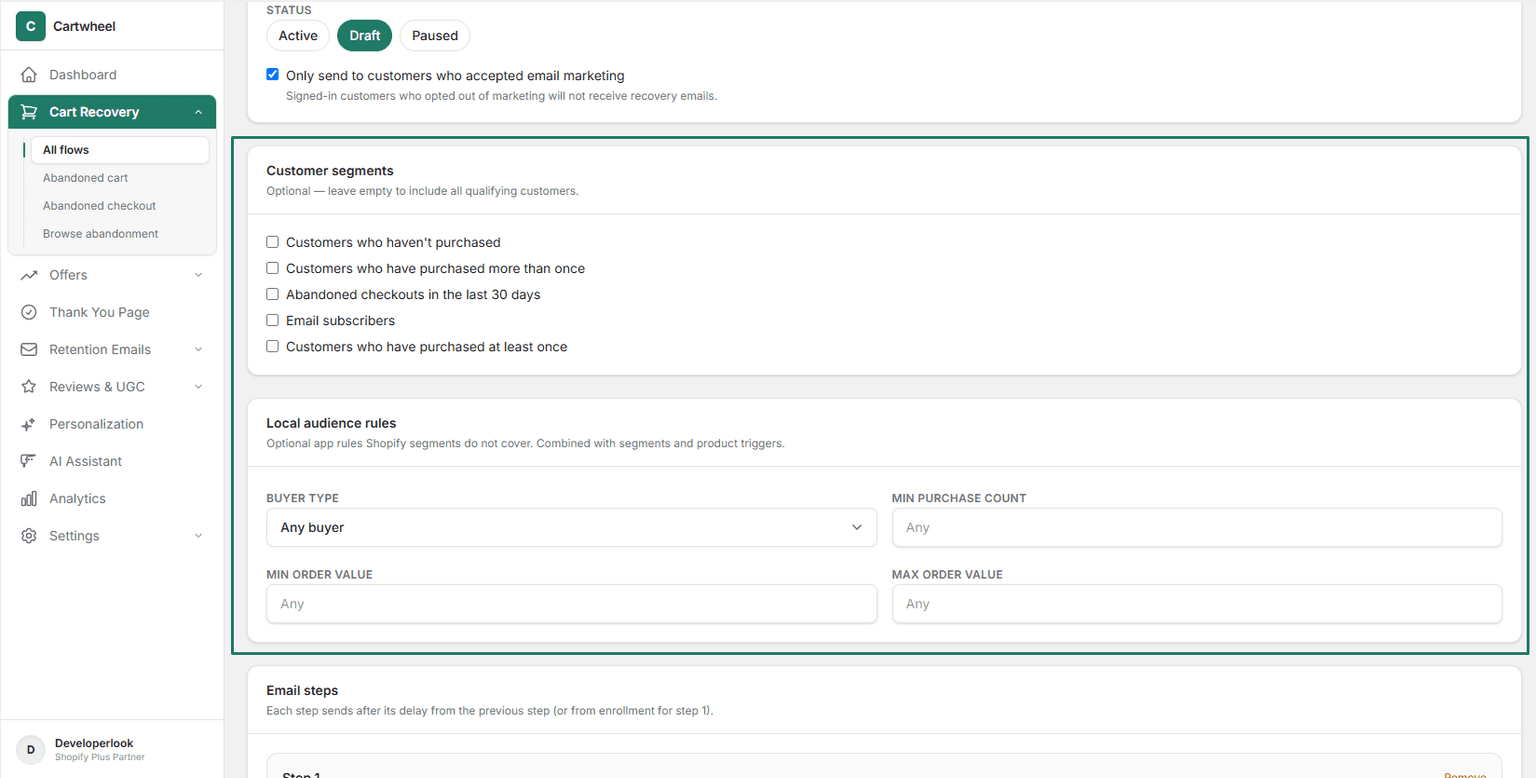
Create targeted checkout recovery sequences with direct 1-click cart restore links that bring shoppers right back to complete payment.
Design responsive MJML email templates featuring dynamic product images, titles, item quantities, and direct checkout buttons.
Capture lost browse interest by emailing shoppers the exact products they viewed alongside relevant cross-sell recommendations.
Track active cart sessions in real time and trigger recovery emails exclusively to opted-in, identified store customers.
Offer smart incentive discounts on step 2 or step 3 of the recovery sequence to convince price-sensitive shoppers.
Measure total recovered order value, email open rates, click-through rates, and flow conversion stats from one central dashboard.
Setup guide
Step-by-step instructions live in the documentation: create the campaign, configure offers, place the widget, and publish.
Explore these frequently asked questions about cart recovery sequences, so you can quickly decide if it's the right fit for your store.
Feel free to contact our support team in case you have questions.
Ask Your Questions