
A/B Split Testing Guide
A/B testing allows you to split traffic between different offer variants to identify which pricing, product, discount, or visual design yields the highest conversion rate and revenue.
Setting Up an A/B Test
- Navigate to Cartwheel Admin → Offers → A/B Tests.
- Click Create Split Test.
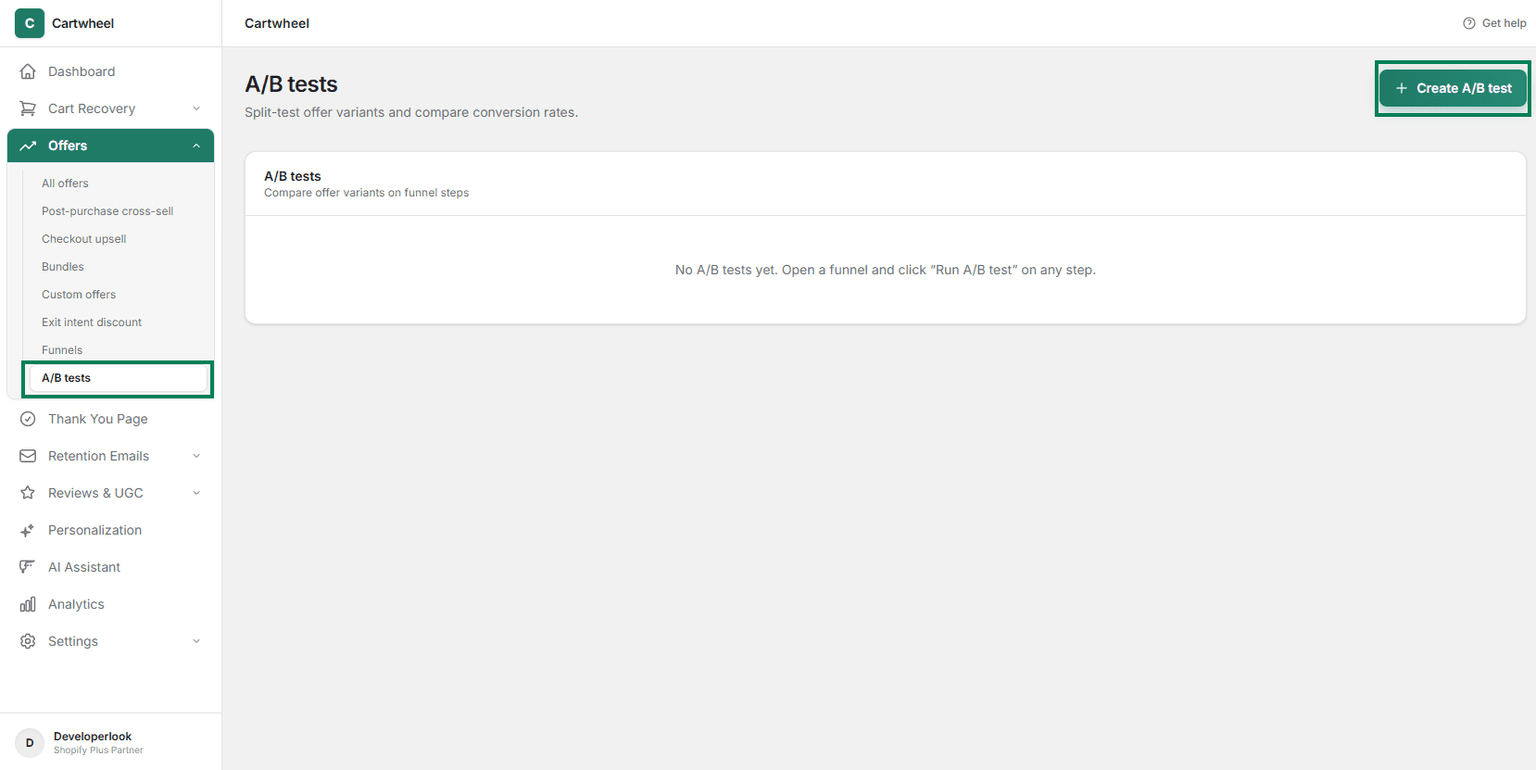
- Select Funnel from the dropdown and choose the funnel you want to run the test.
- Select the Step within the funnel you want to run the test.
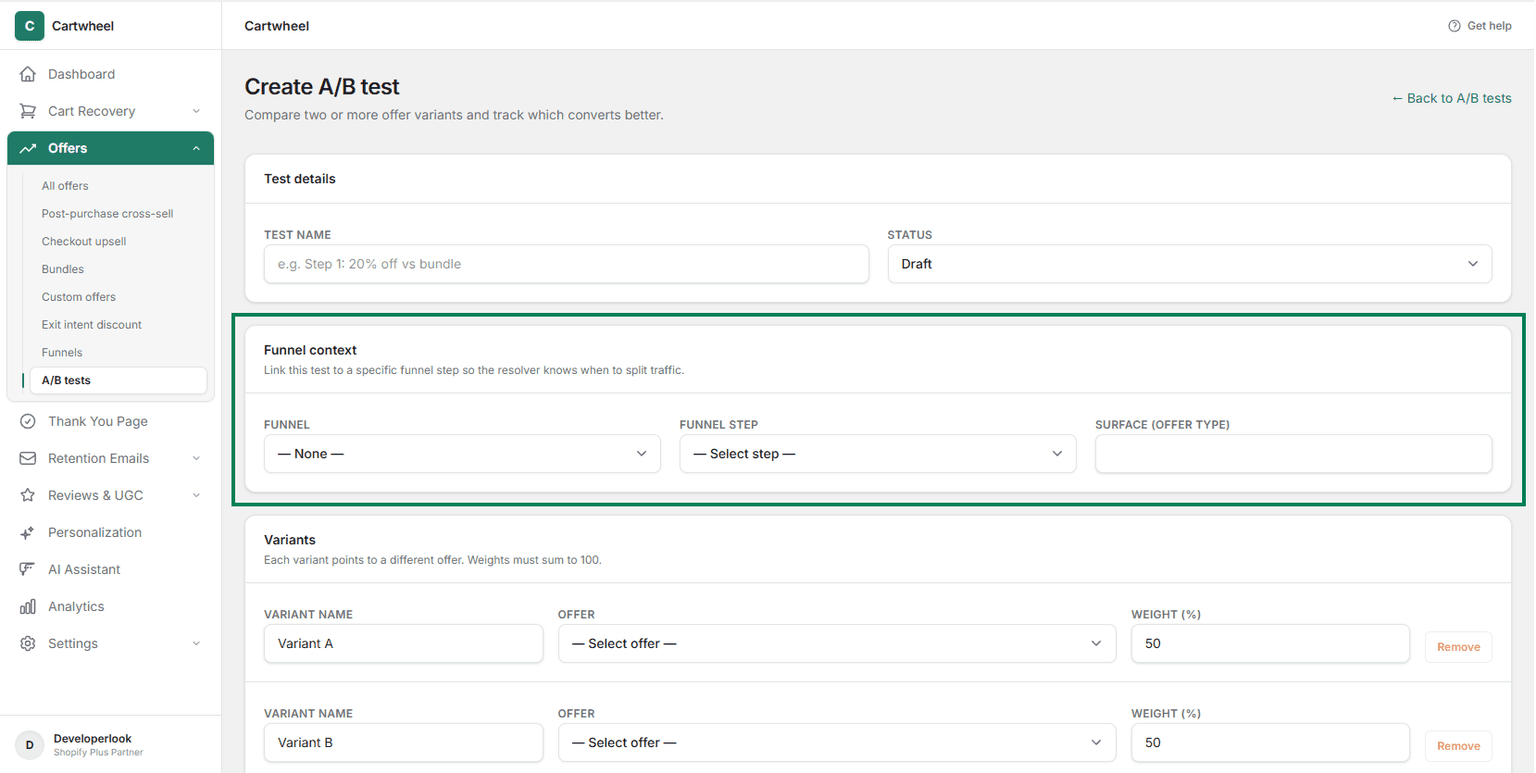
Select the first offer you want to run the test. This will be the default offer that is shown to the customers.
Click on Add Variations to add more offers to the test.
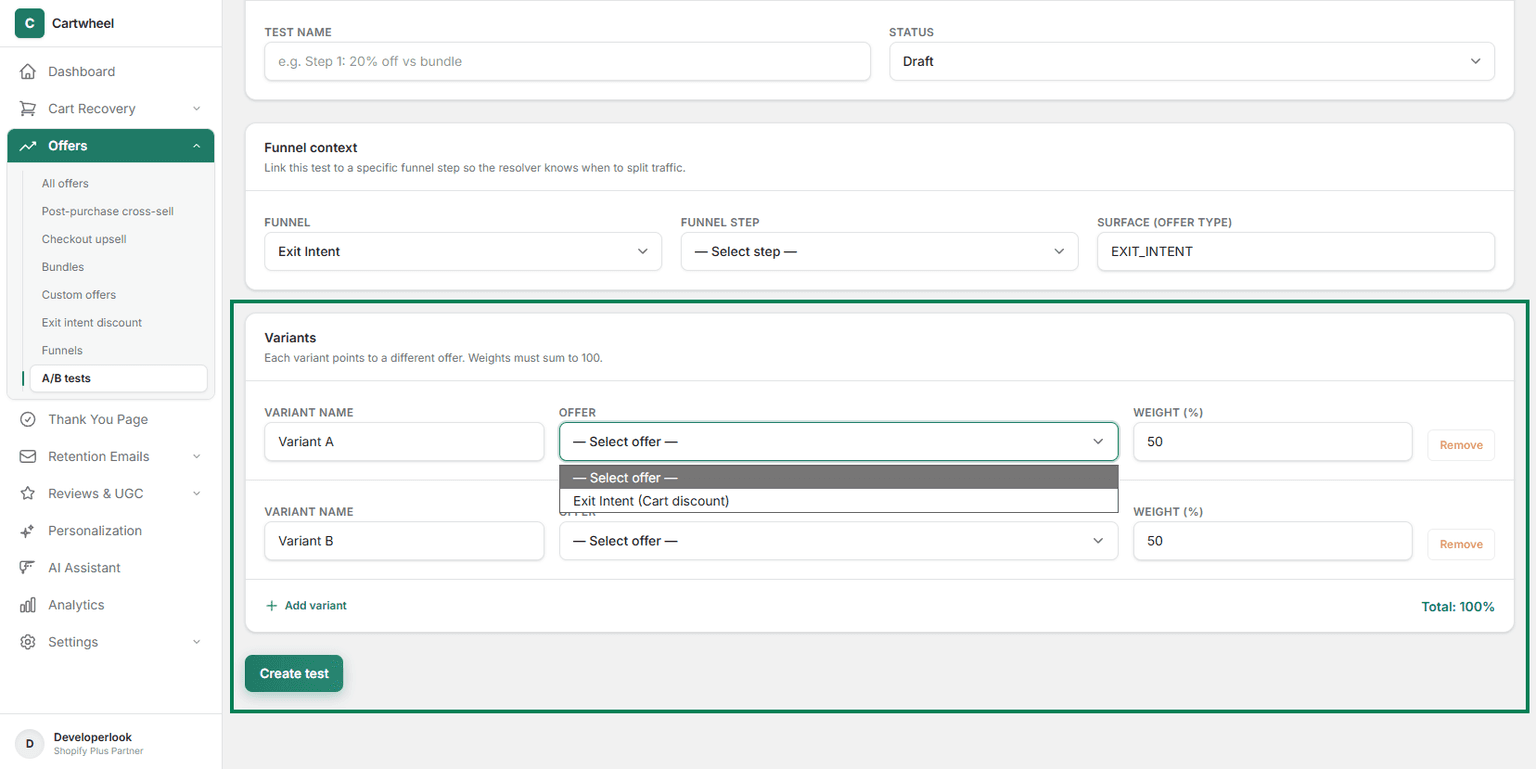
- Traffic Split Ratio: Set the traffic distribution slider (e.g., 50% / 50% or 70% / 30%).
A/B Split Testing Flow
Customer Reaches Post-Purchase
Traffic Distribution
Cartwheel Traffic Splitter
50% Traffic
Variant A
Control Offer
(15% OFF Base)
50% Traffic
Variant B
Challenger Offer
(25% OFF Test)
Track Conversions & Revenue
Real-time Analytics Dashboard
Declare Winner
Variables You Can Test
- Discount Strategy: Test 20% OFF vs $15 OFF vs Free Shipping.
- Product Options: Test offering a matching accessory vs a 2-pack bundle.
- Widget Copy & Headline: Test urgent copy ("Limited Time Offer") vs value-focused copy ("Complete Your Set").
- CTA Button Styles: Test accent colors, button labels, and urgency timers.
Analyzing Results & Declaring a Winner
The A/B Test Analytics Dashboard tracks key metrics per variant in real time:
| Variant | Impressions | Conversions | Acceptance Rate | Total Revenue | AOV Lift |
|---|---|---|---|---|---|
| Variant A (Control - 15% Off) | 1,240 | 148 | 11.9% | $2,960 | +$2.38 |
| Variant B (Challenger - 25% Off) | 1,235 | 222 | 17.9% | $3,996 | +$3.23 |
When a variant reaches statistical significance, click Declare Winner to automatically deploy the winning variant to 100% of traffic.